
Updates itself
New builds download and install while the launcher is open, so you are always on the latest version.
Private playtest

Fall through the floor of the world and find your way out. Install, update, and play Backrooms Sublimity with S-Launcher, the Soterrado Games launcher for Windows.
Screenshots
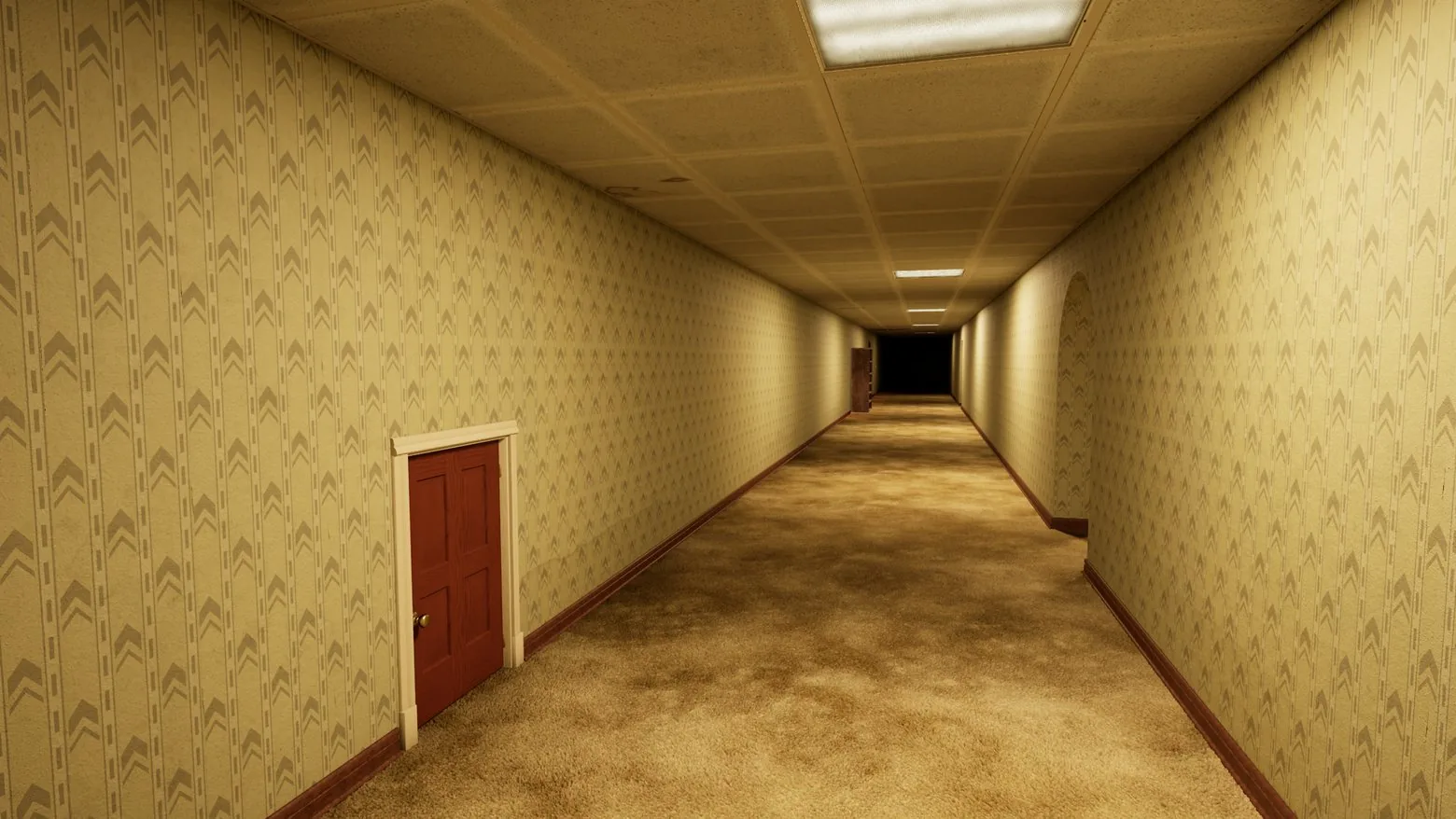
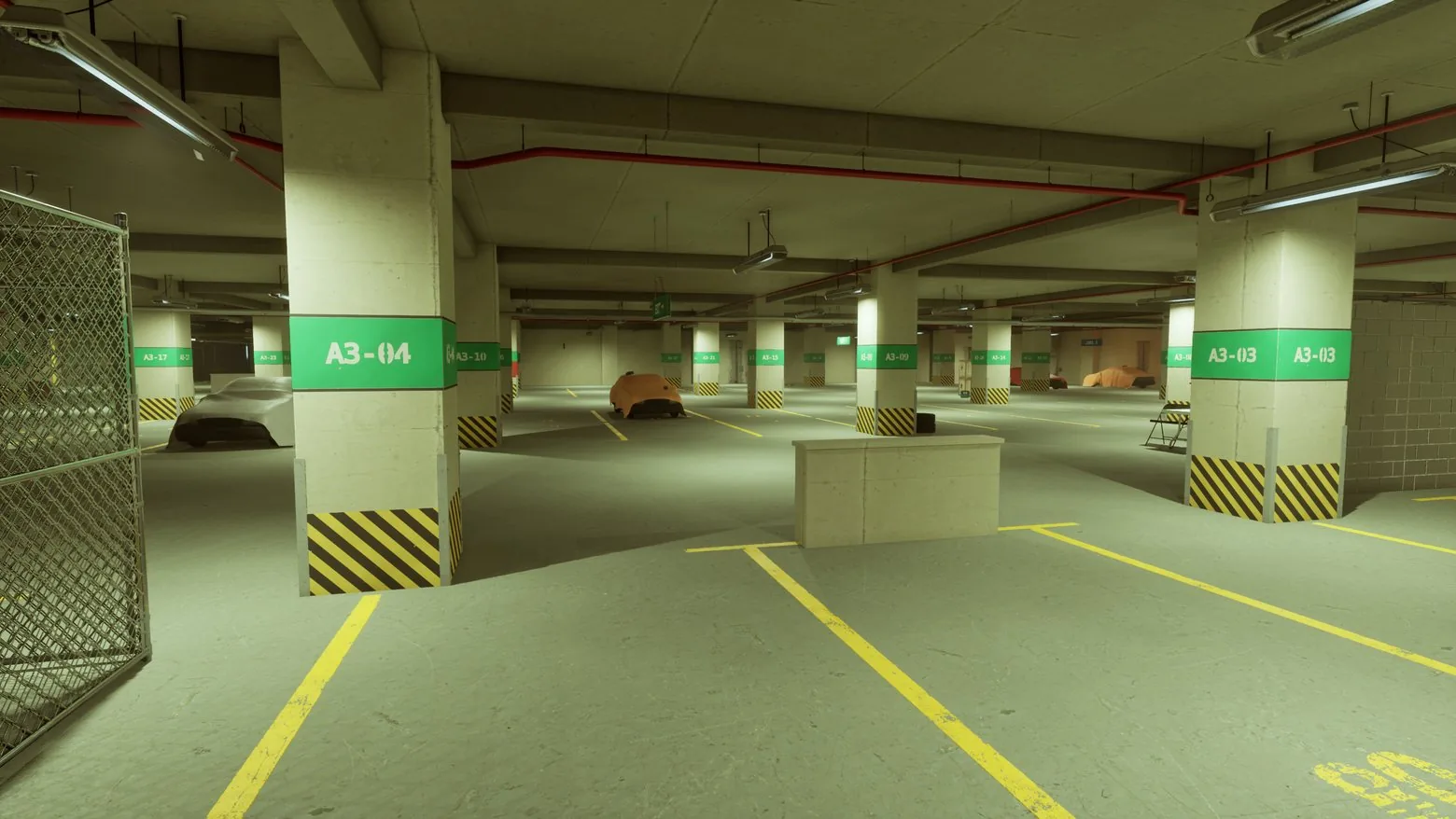
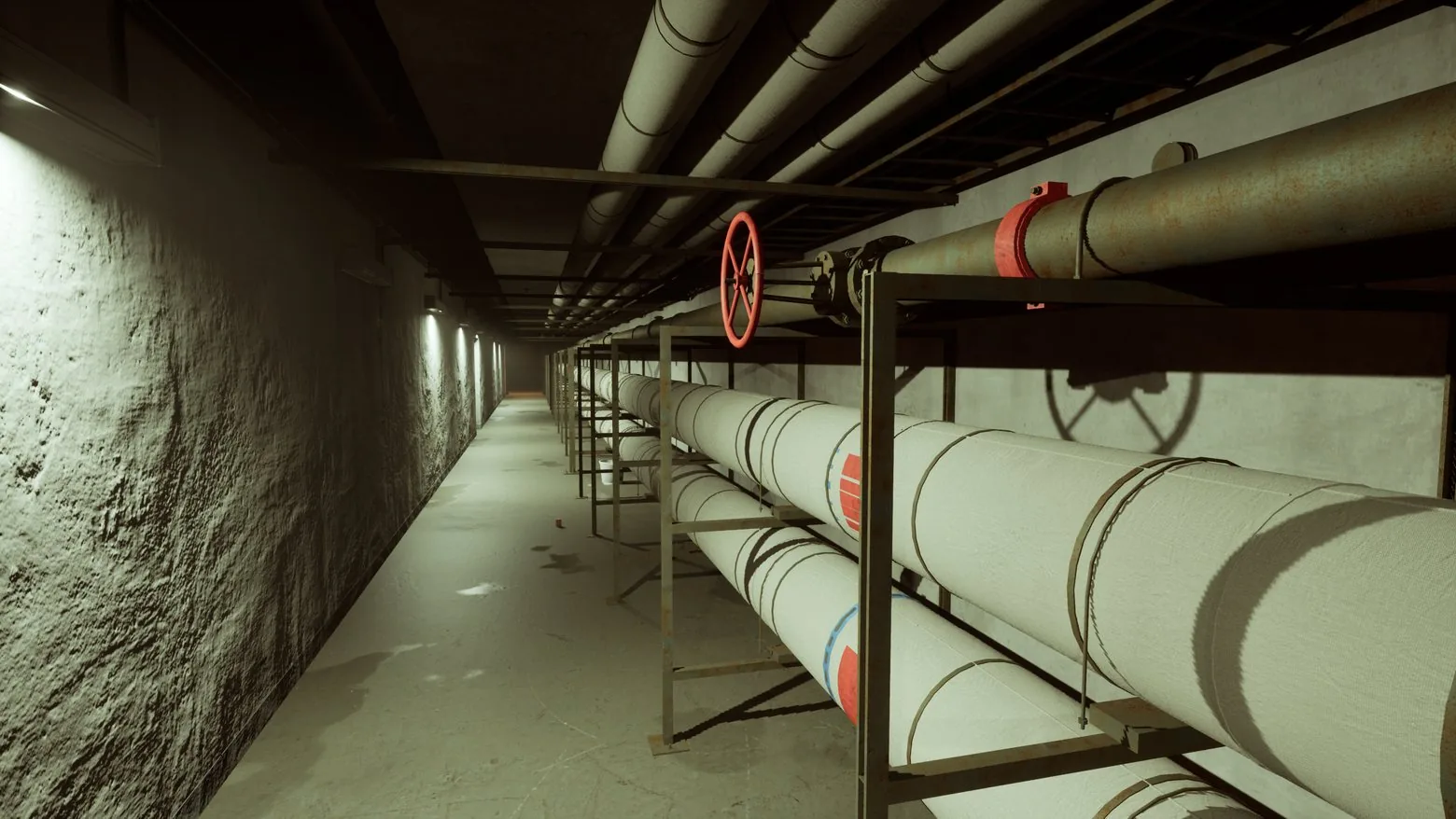
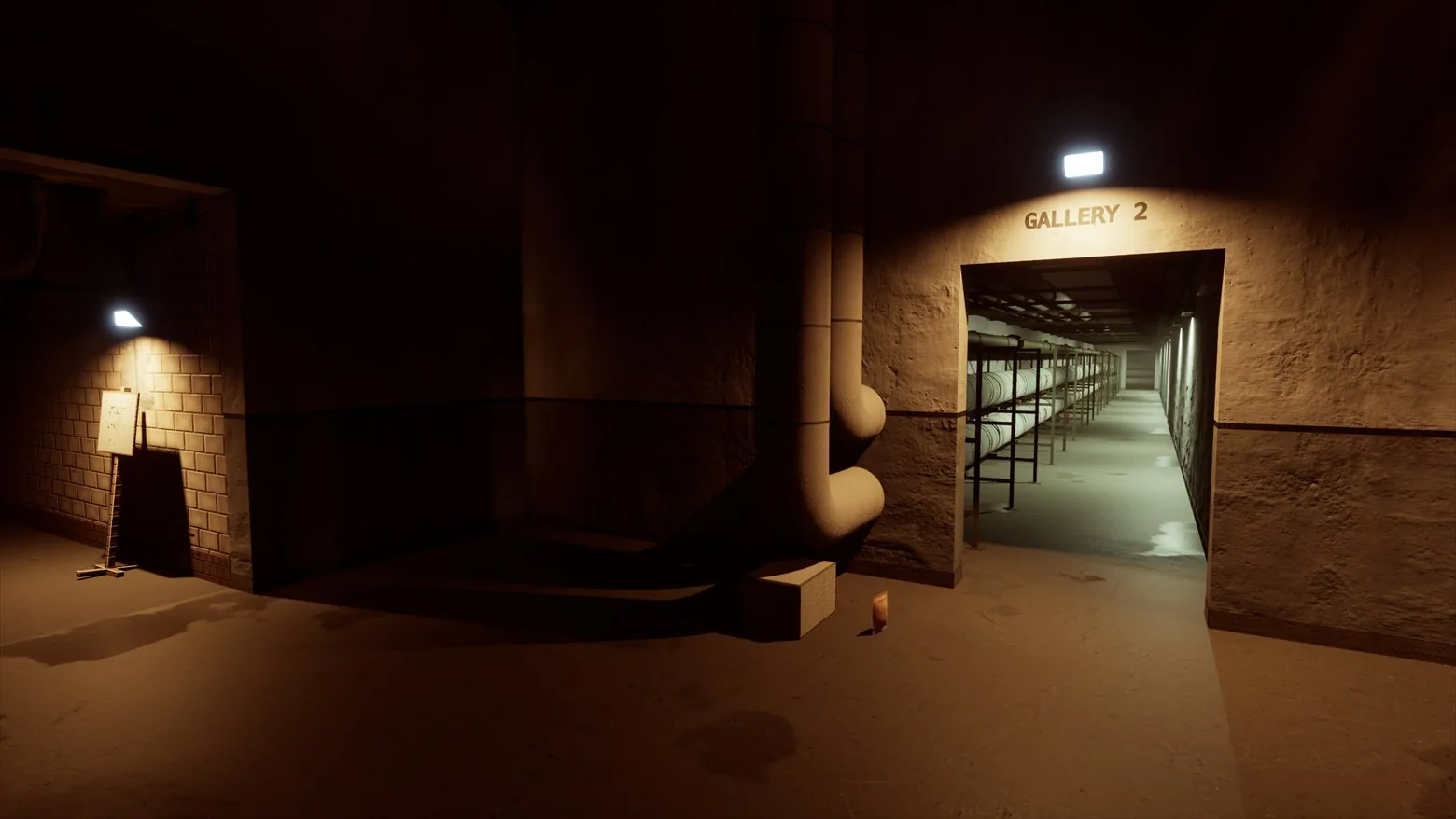
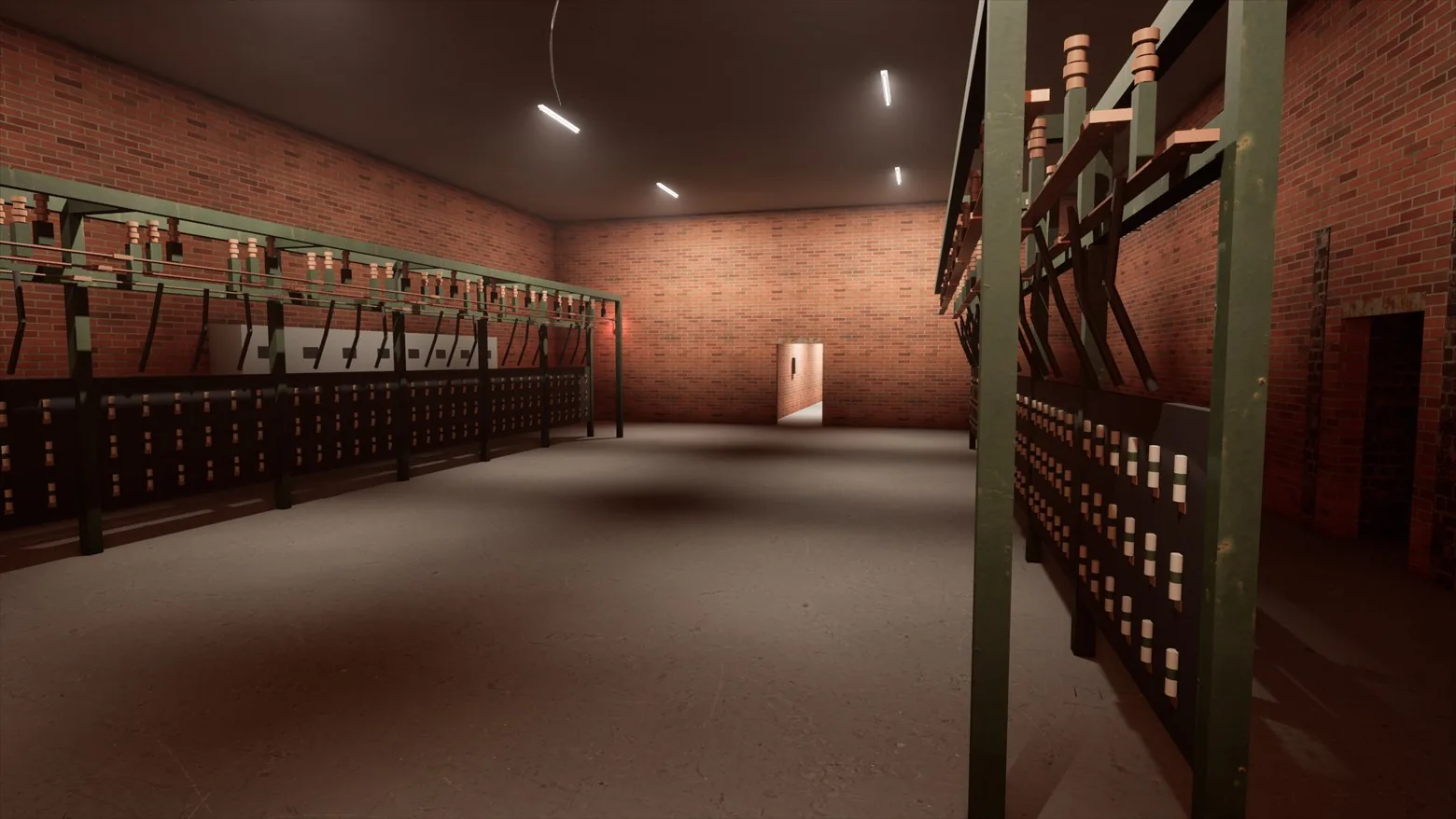
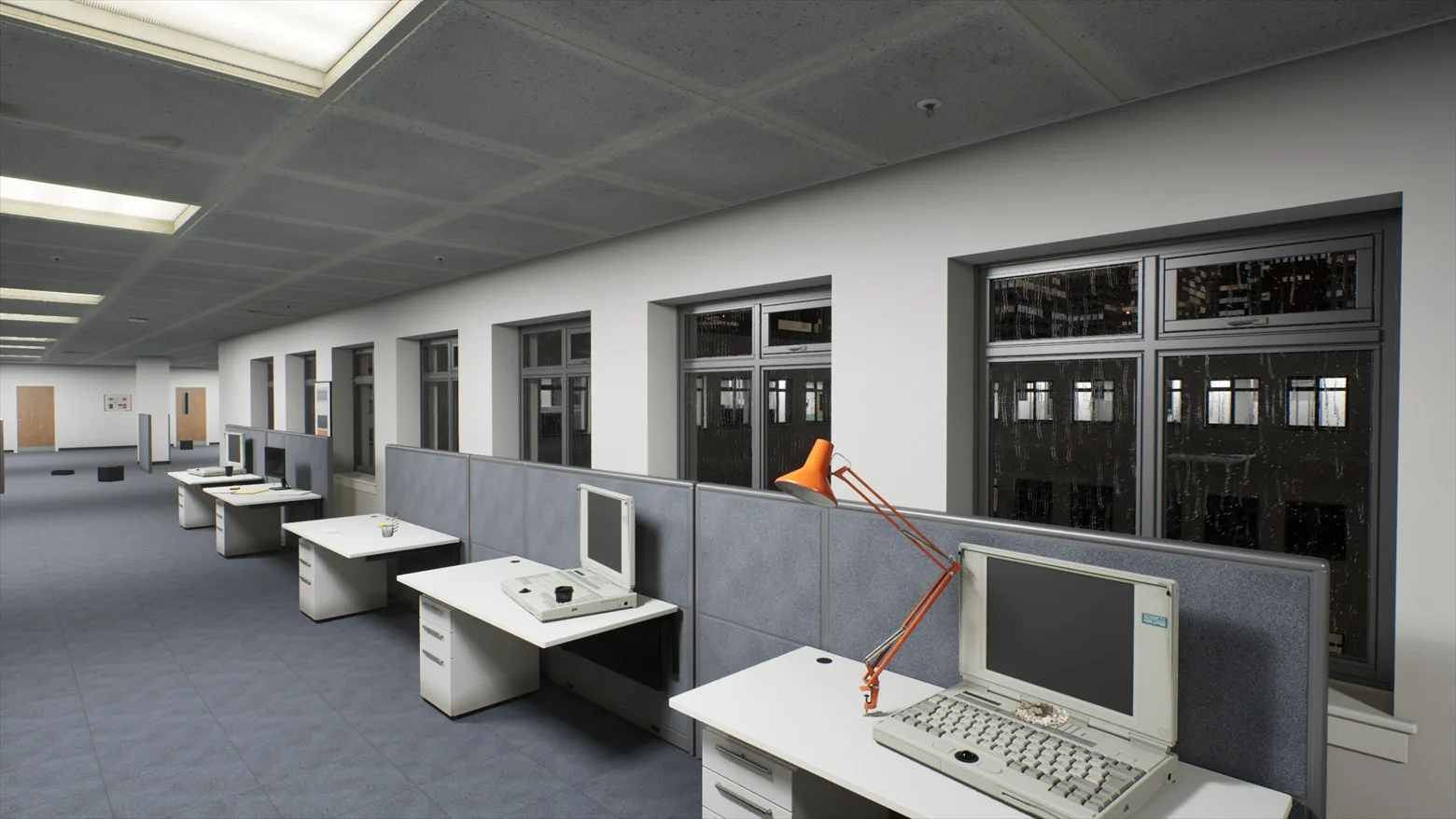
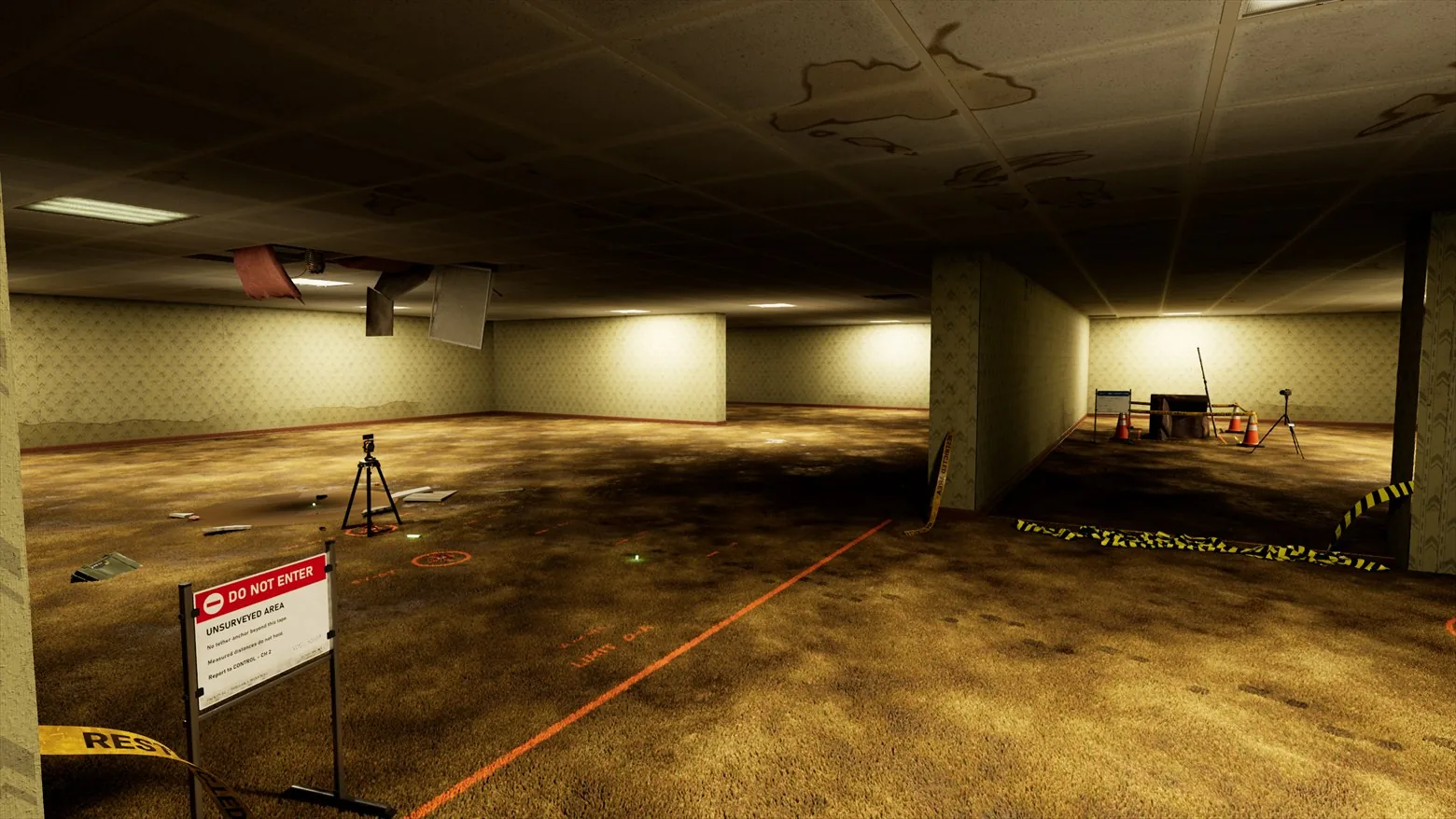
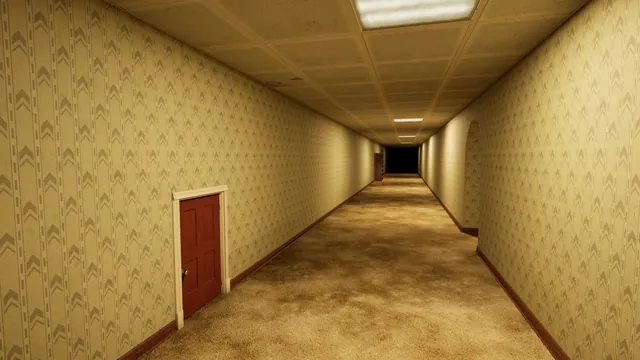
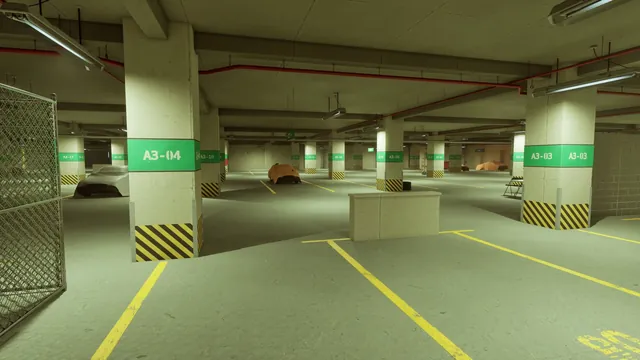
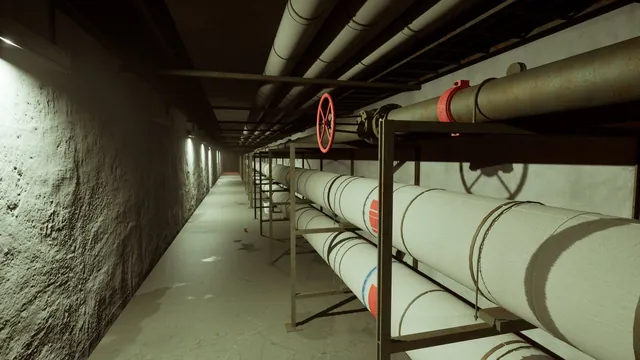
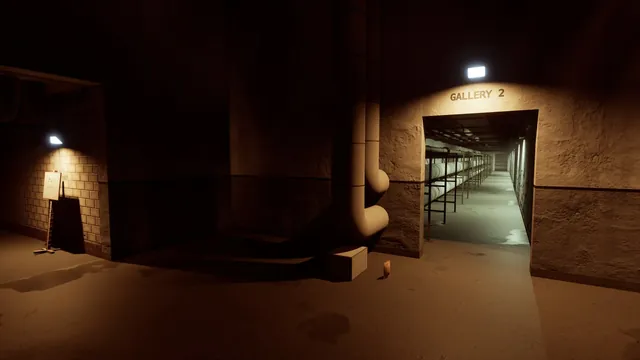
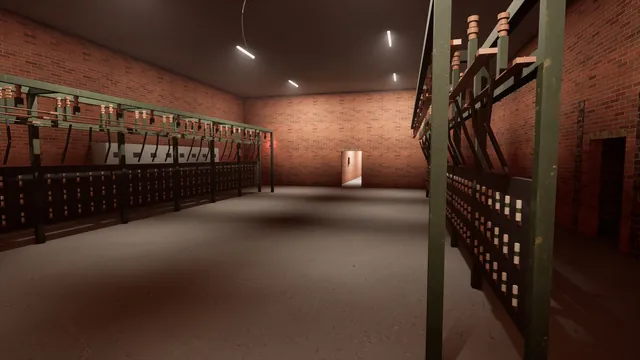
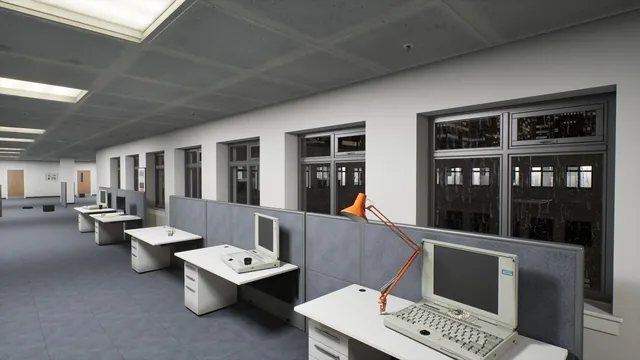
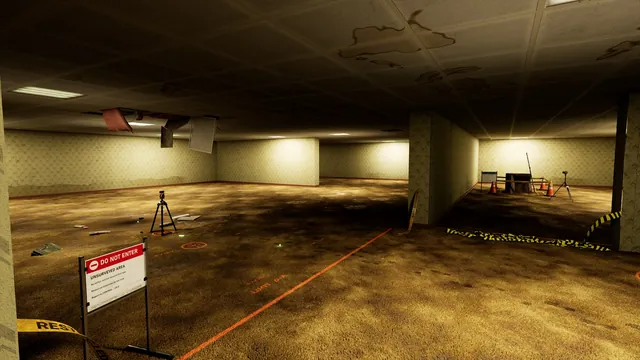
From Level 0's endless office to the pipe-choked tunnels of Level 2. Select a picture to see it full size.
S-Launcher
One small app installs the game, keeps it current, and gets your reports to the studio.
New builds download and install while the launcher is open, so you are always on the latest version.
Patches download just the parts of the game that changed, and resume where they stopped.
Every release is signed by the studio, and every file is checked before it touches your game folder.
Send a report from the launcher with screenshots and, if you choose, your PC's hardware details.
Get started
Windows 10 or 11, 64-bit · ZIP archive
Extract the ZIP to a new folder, then open S-Launcher.exe from that folder.
Verify your email on the sign-up page.
Soterrado Games reviews each playtest request.
Use the same email, then install and play.